Install
At the end of this page Ferrule will be running, with its setup wizard open in your browser. You don't type any settings here: the wizard asks for them and writes them for you.
Use Portainer if you like a web interface, or Docker Compose from a terminal. Ferrule works the same either way.
One Ferrule per Docker host
Ferrule's containers have fixed names (ferrule,
ferrule-victoria-metrics), so a second Ferrule stack on the same host
clashes with the first. To run a test copy beside a live one, see
Running beside another stack.
1. Create the stack
- In Portainer, open Stacks and click Add stack.
- Name:
ferrule. Use lowercase letters, with no spaces. - Build method: choose Repository.
-
Fill in:
Field Value Repository URL https://github.com/ferrulehq/ferrule-deployRepository reference refs/heads/mainCompose path docker-compose.ymlAuthentication off (the repository is public) -
Leave Environment variables empty.
- Click Deploy the stack.
On your Docker host:
git clone https://github.com/ferrulehq/ferrule-deploy.git ferrule
cd ferrule
docker compose up -d
Keep this ferrule folder: your settings will go in a .env file here.
Docker downloads Ferrule and starts two containers, ferrule and
ferrule-victoria-metrics. The first time takes a minute or two.
Why two containers?
ferrule reads your equipment and serves the dashboard.
ferrule-victoria-metrics stores the history behind the graphs.
Both keep their data on Docker volumes, so nothing is written to the
host's own folders, and redeploying never loses anything.
2. Open it
Go to http://<your docker host>:8090.
With nothing configured yet, Ferrule opens its setup wizard instead of the dashboard:
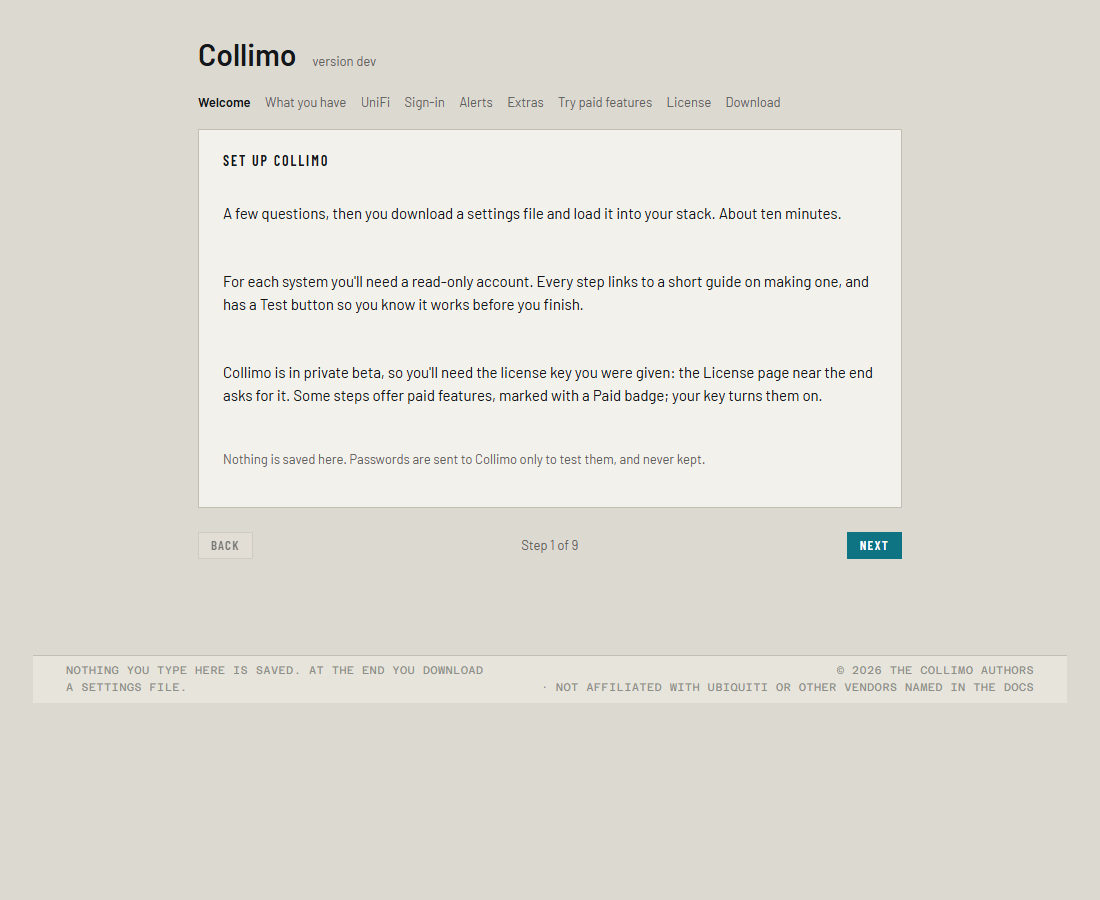
Carry on with the setup wizard. At the end it gives you a
file of settings, ferrule.env, and the steps to load it into this stack.
How to know it worked
After you've loaded ferrule.env and redeployed:
- Both containers are running, and
ferruleturns healthy within about a minute. In Portainer, look at the stack's containers; with Compose, rundocker compose ps. http://<your docker host>:8090shows the dashboard, or a sign-in page if you turned sign-in on.- Needs attention at the top lists anything that's wrong. On a healthy network it may be empty, or it may already have found something.
If something's wrong
| What you see | What to do |
|---|---|
Portainer: reference not found |
The Repository reference has a typo. It's refs/heads/main |
Portainer: authentication required |
Authentication must be off, and the URL must be github.com/ferrulehq/ferrule-deploy exactly |
| The page doesn't open | Check the container is running, and that port 8090 isn't used by something else on the host (change the port) |
| The dashboard opens, not the wizard | The stack already has settings. To change them, use Settings → Run setup again (Changing your setup) |
| The container keeps restarting | Read its log (below). The last line says which setting is wrong |
The ferrule log is under the container in Portainer (Logs), or
docker compose logs ferrule with Compose. More in
Troubleshooting.