Your first look
A two-minute tour of the dashboard.
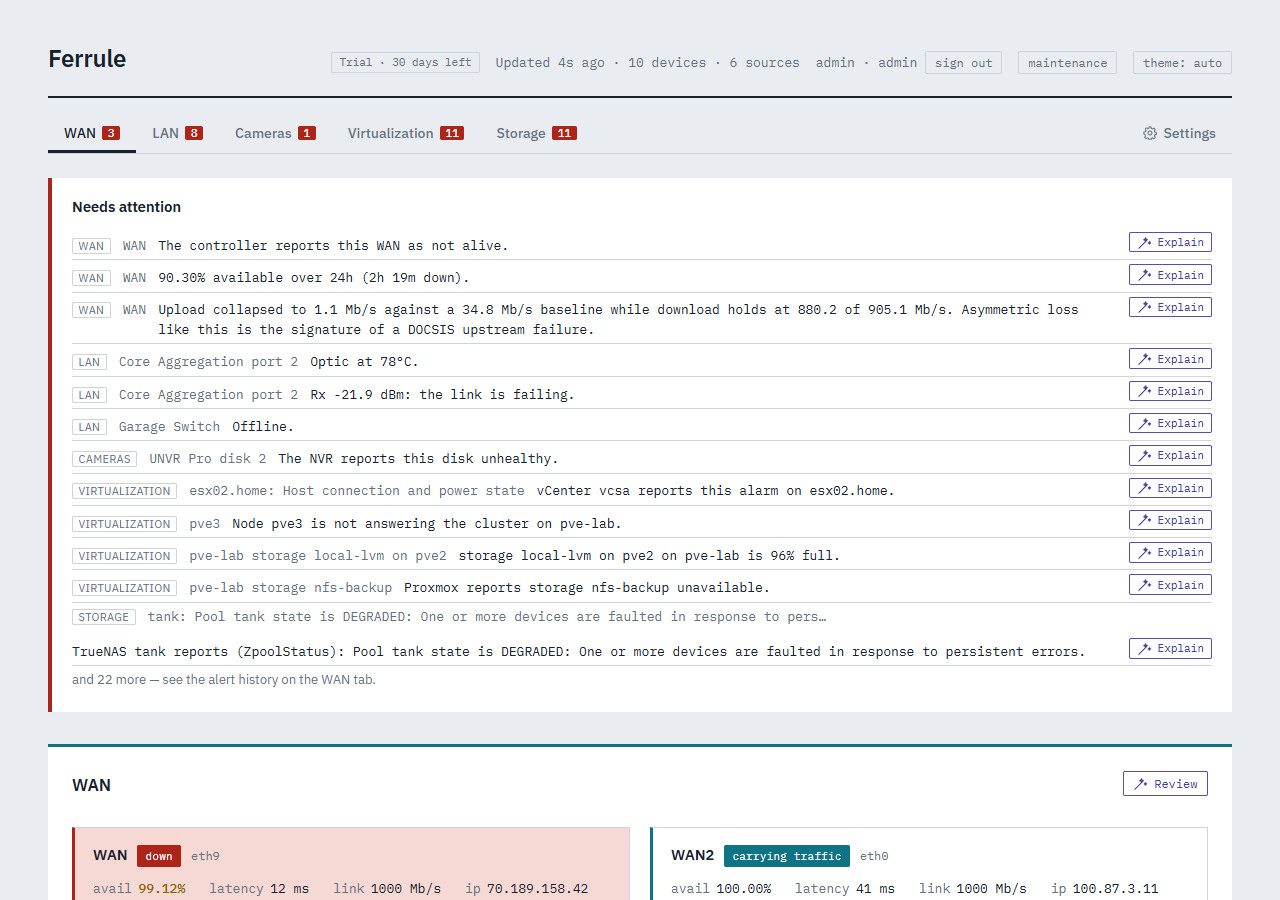
The header
Along the top, left to right:
- Your edition: Trial · 30 days left, Community, or your license. Click it to open the license panel.
- Updated 4s ago · 10 devices · 6 sources: when Ferrule last read your equipment, and how much it watches. It reads everything every 30 seconds.
- Who you're signed in as, and sign out.
- maintenance: start a maintenance window before planned work, so nothing notifies while you work (Alerts and notifications).
- theme: light, dark, or follow your computer.
Needs attention
The list at the top of every page: the 12 worst things wrong right now, critical first. Each line says which tab it's on, what it's about, and what's wrong. If the list is empty, nothing needs you.
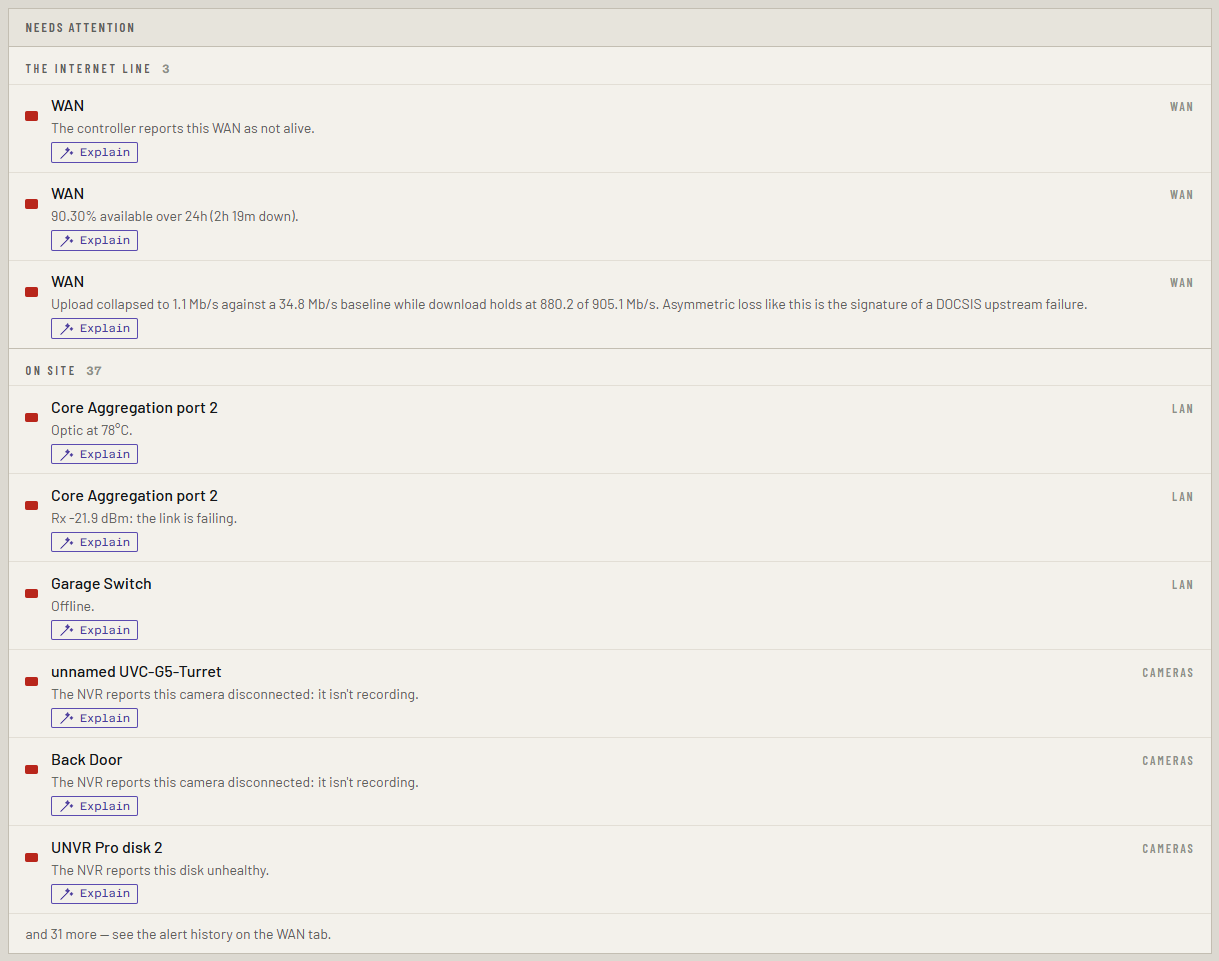
Explain appears when the assistant is set up: it asks a language model what the alert means and what to check (The assistant).
Ferrule decides what counts as a problem, so the dashboard, notifications and any other monitoring you point at it always agree.
The tabs
A tab appears only when there's something to put in it. The number on each tab is how many alerts it has.
| Tab | What's on it |
|---|---|
| WAN | Your internet links and which one is carrying traffic, the cable modem, every outage, a timeline, and the alert history (WAN, outages and your ISP) |
| LAN | Every switch, gateway and access point, each drawn as its front panel, and the Wi-Fi channel map (Switches, Wi-Fi) |
| Cameras | The Protect recorder's disks and temperatures, and each camera (Cameras) |
| Virtualization | Proxmox and vCenter hosts and machines, backup servers, and inventory reports |
| Storage | Synology, QNAP and TrueNAS: pools, volumes and disks |
| Settings ⚙ | The license, sources, notifications, alert thresholds, sign-in, backups, history storage, and Stack environment, which writes settings for you |
Settings
Each Settings panel folds to a single line, with a status beside it, so the page reads as a list of what's set up. Click a heading to open it. Expand all and Collapse all are at the top. Your browser remembers which panels you opened.
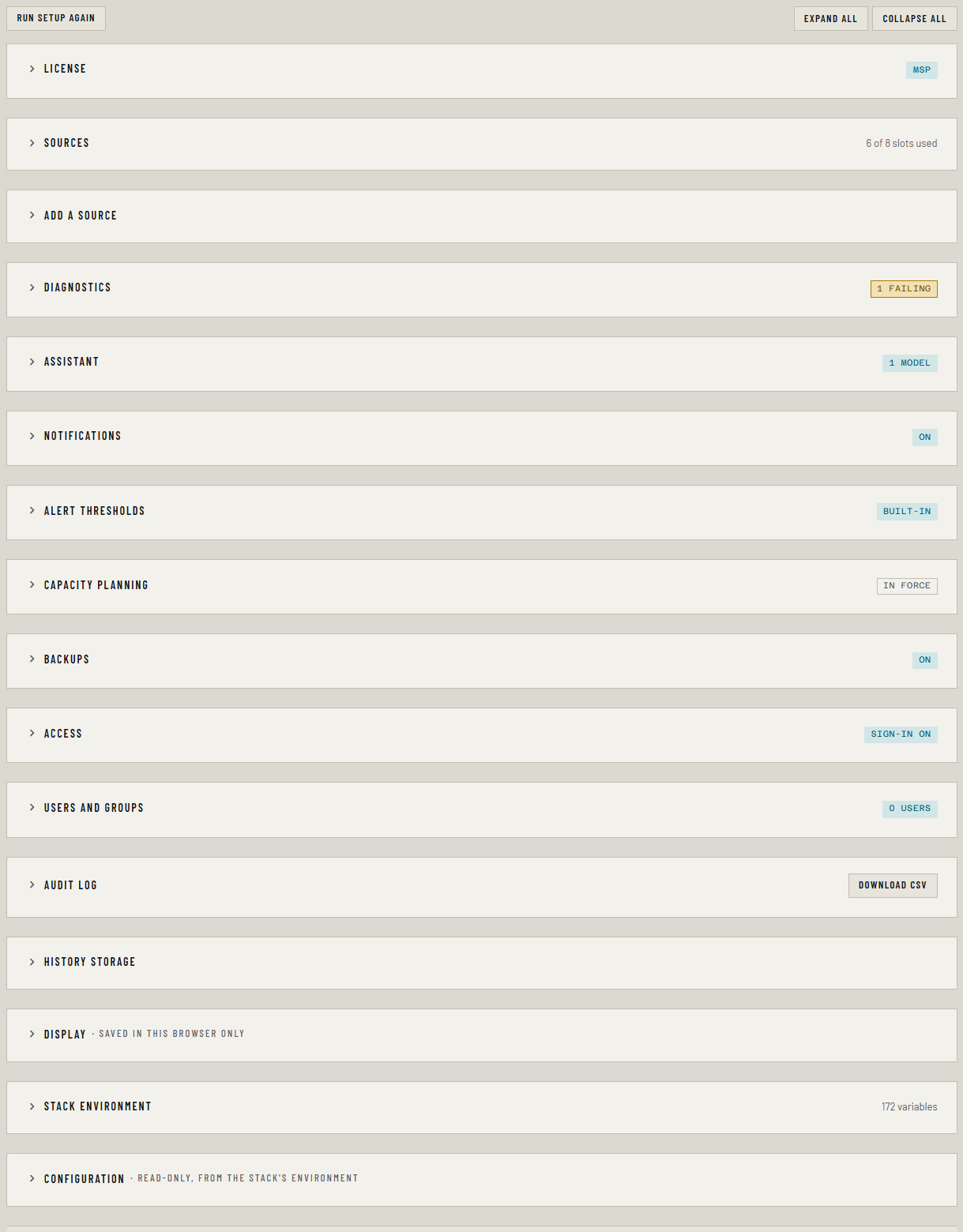
Admins also see Run setup again, which reopens the setup wizard filled in from what's running (Changing your setup).
Stale readings
If Ferrule can't reach a device, its last good reading stays on screen, marked stale, rather than going blank. That's deliberate: when things go wrong is exactly when you want the last thing you knew.
On your phone
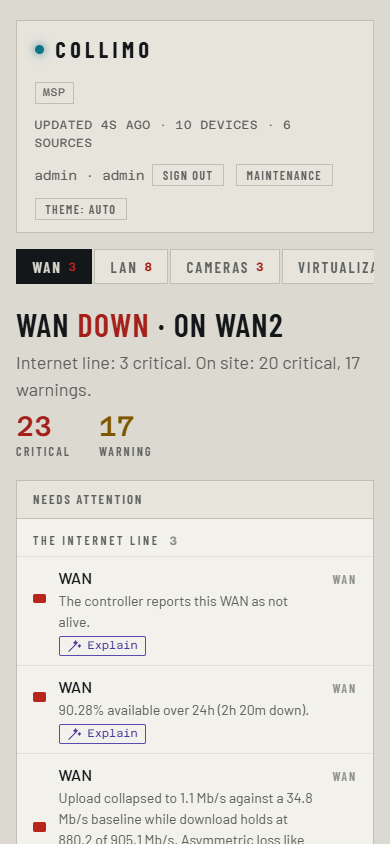
The dashboard works at phone width, so you can check an alert from the notification it sent.
Next
- Connect more of your gear
- Enter your license, if you have a key
- Alerts and notifications: decide what wakes you up